1、官网下载GitHub3.2.9
Windows版下载:https://desktop.github.com/
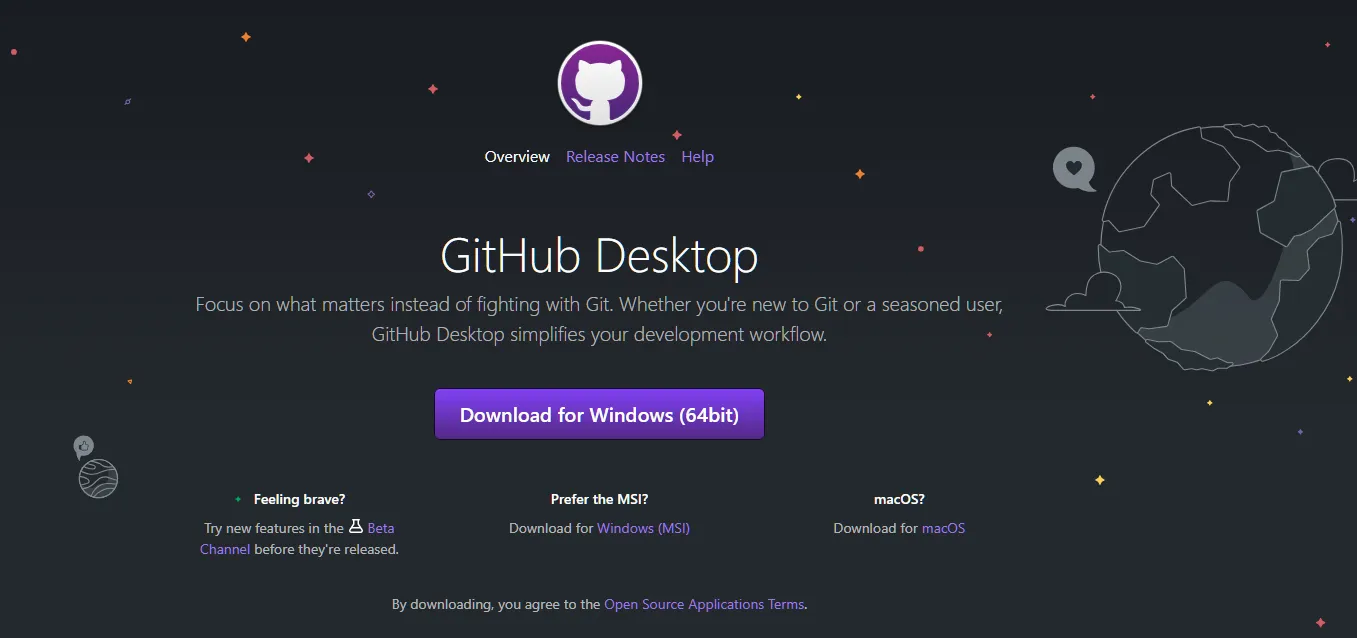
MAC版本:https://central.github.com/deployments/desktop/desktop/latest/darwin
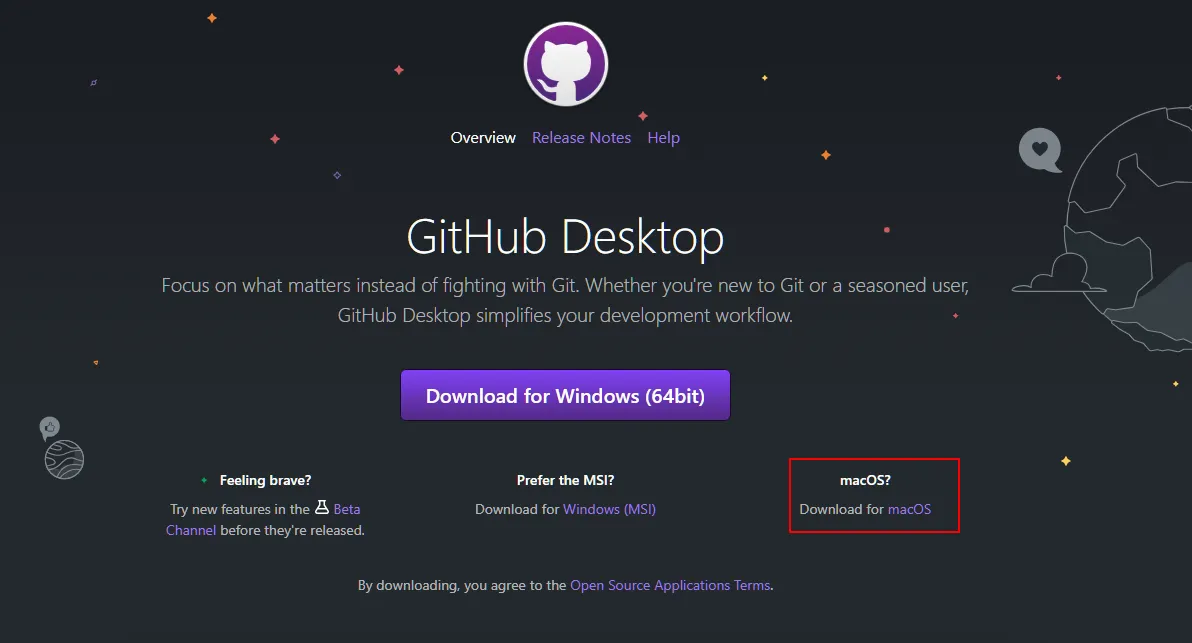
2、查看GitHub当前更新版本
https://desktop.github.com/release-notes/
3、安装GitHub3.2.9
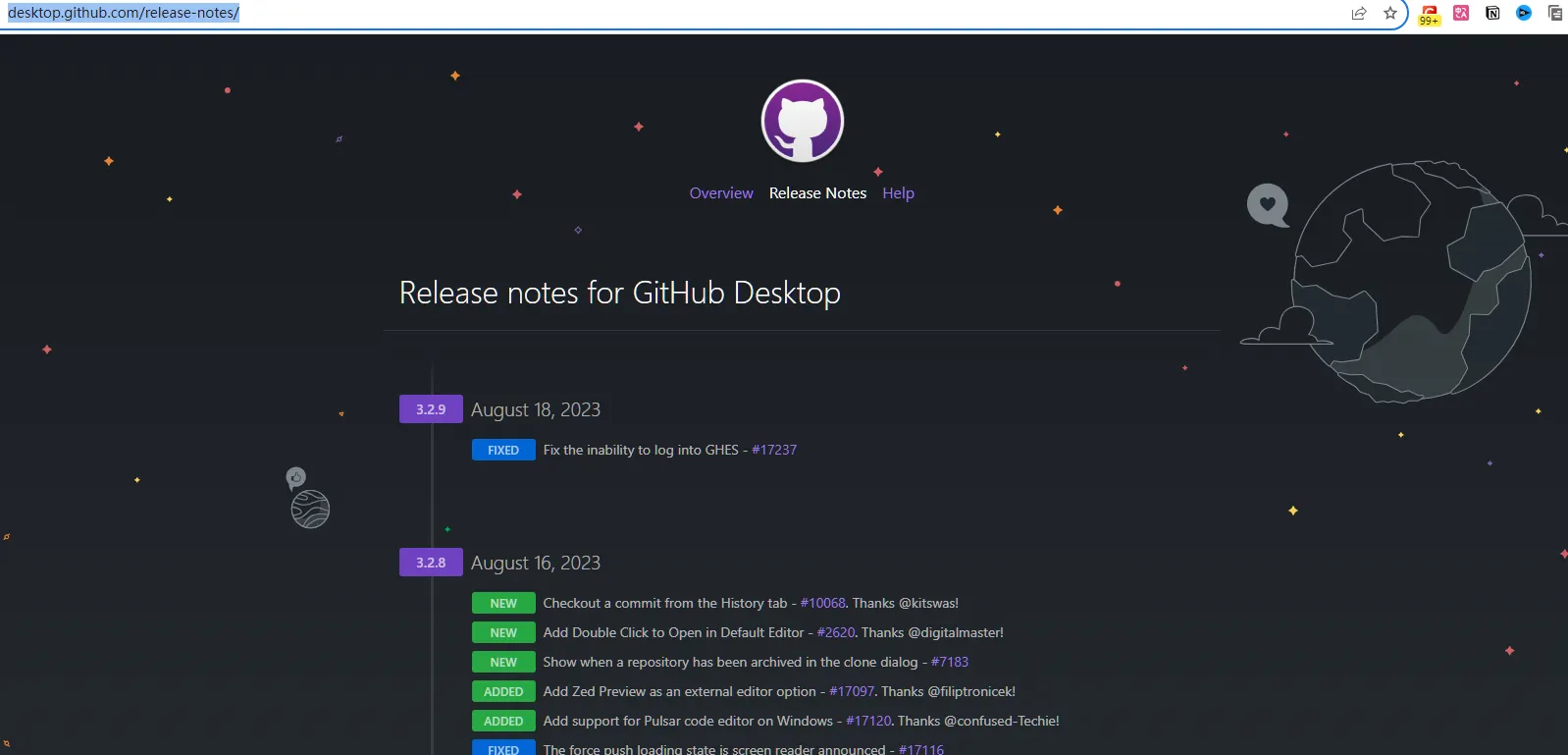
双击GitHubDesktopSetup安装文件,等一会就安装完成了,没有任何选择项。安装完成后即刻弹出欢迎页面(如下图),如果不需要汉化,至此GitHub桌面版就安装完成了,点击sing in 按钮即可登录。如果想汉化成中文,继续往下看。

4、下载GitHub3.2.9 的汉化包
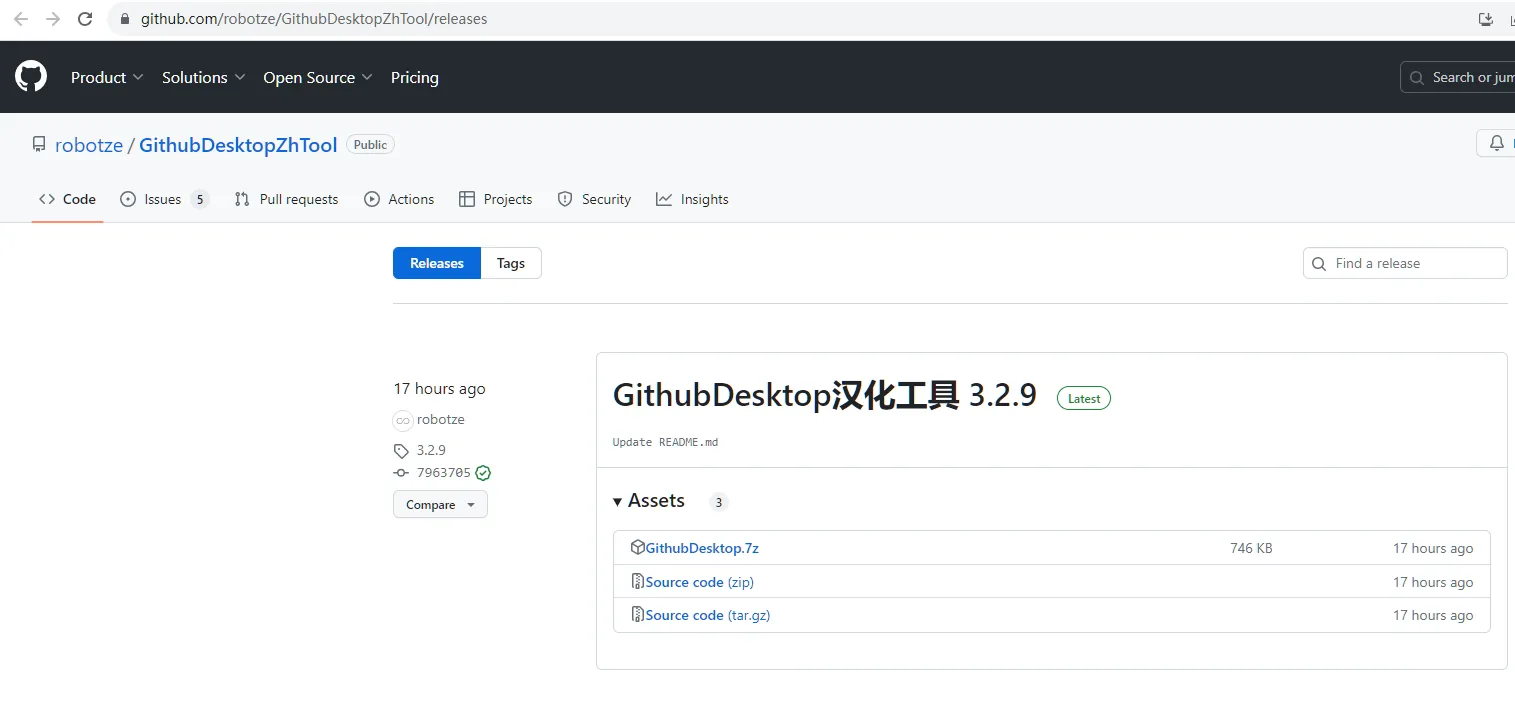
4.1、选择对应版本的汉化包
https://github.com/robotze/GithubDesktopZhTool/releases 工具执行文件托管在GitHub上,需要魔法上网才能访问下载。
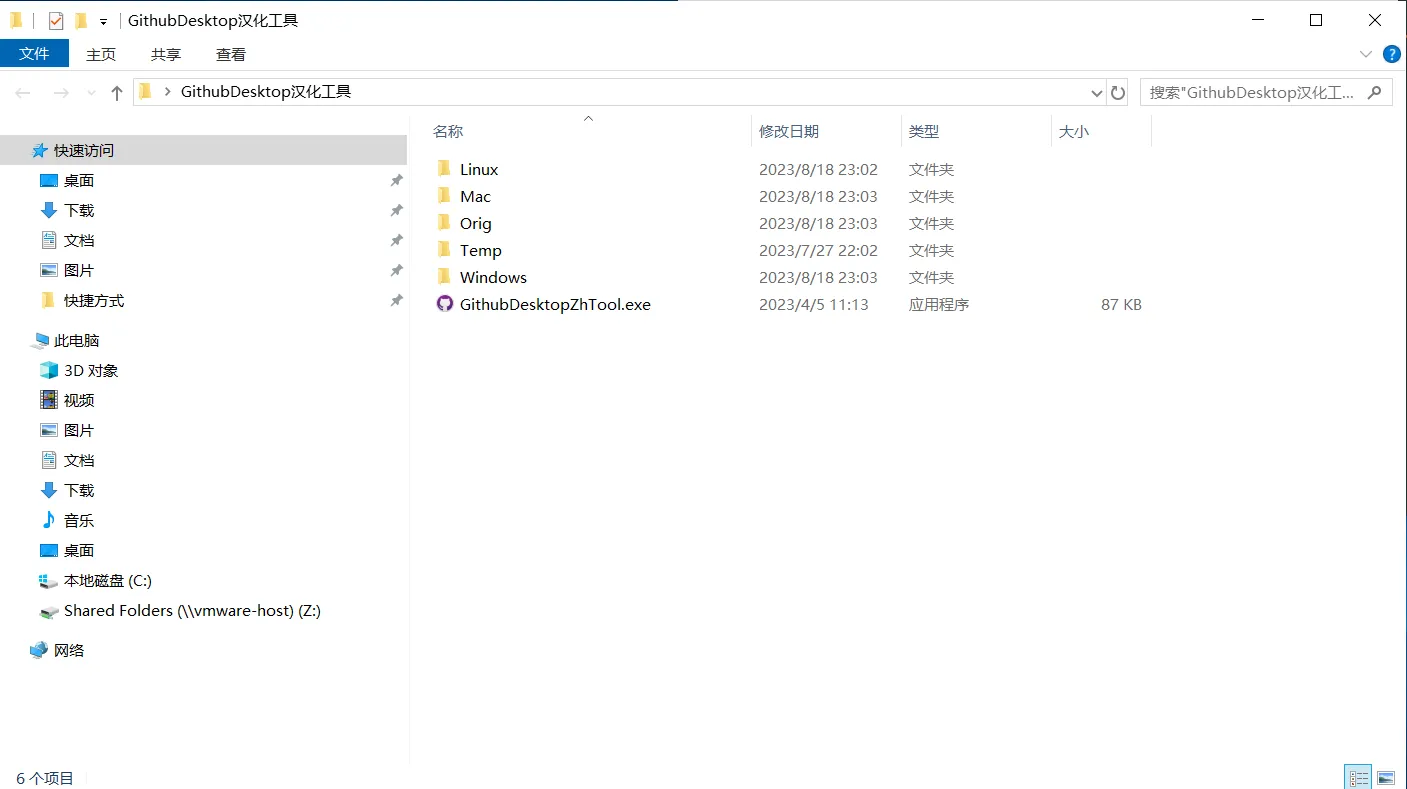
4.2、解压下载的汉化工具包
双击运行汉化工具程序(GithubSesktopZhTool.exe)。如下图所示
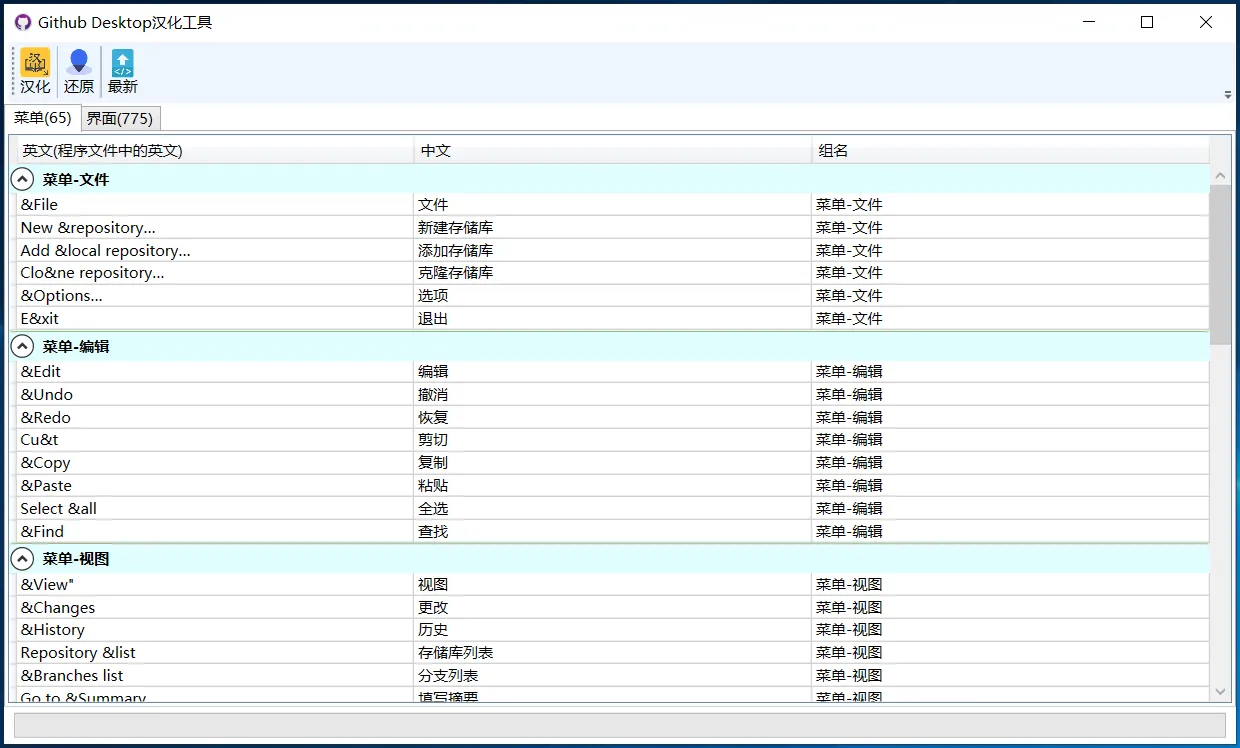
4.3、点击 【汉化】按钮
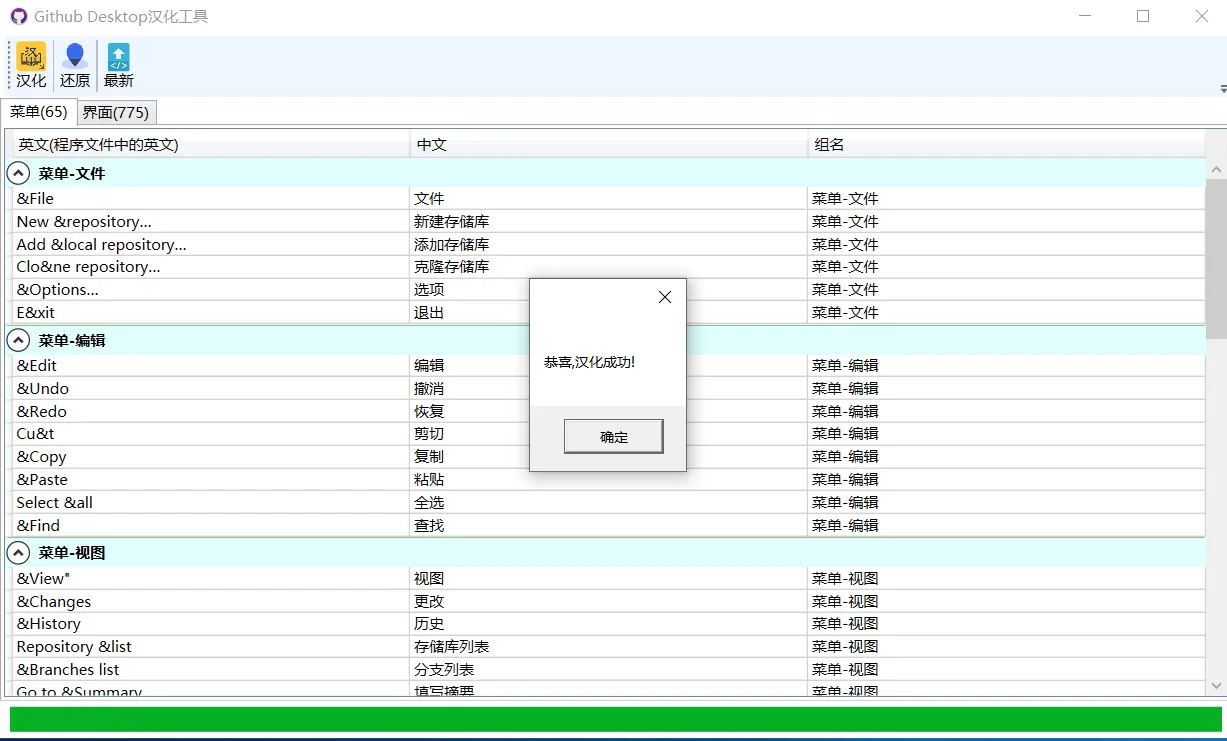
4.4、看到恭喜字样表示汉化成功。
4.5、汉化后的GitHub DeskTop 界面